


Introduce the product
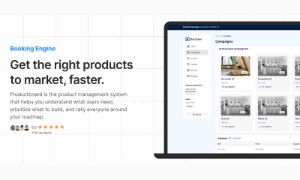
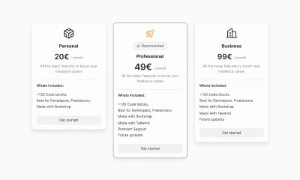
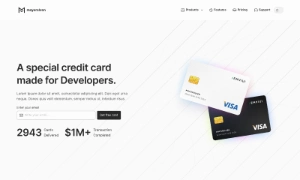
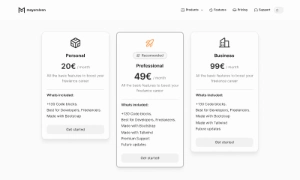
Explore a home page, a feature presentation and a pricing layout together so visitors can move from understanding the offer to comparing options.
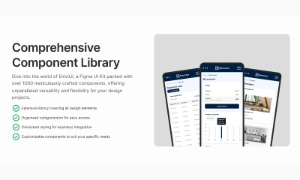
Start product design with editable Figma screen templates for dashboards, pricing, sign-in, settings and key website pages. Compare layouts and adapt them to your product.
 Premium
175 Variants
 Premium
181 Variants
 Premium
32 Variants
 Free
Free
264 Variants
Premium
181 Variants
Premium
32 Variants
Free
264 Variants
 Free
Free
88 Variants
 Premium
176 Variants
 Free
Free
32 Variants
 Premium
144 Variants
 Free
Free
12 Variants
 Premium
12 Variants
 Premium
8 Variants
 Premium
65 Variants
 Premium
86 Variants
 Premium
32 Variants
 Free limited
48 Screens
 Free limited
48 Screens
48 Screens
 Free limited
44 Screens
 Free limited
32 Screens
32 Screens
 Free limited
28 Screens
 Free limited
72 Screens
72 Screens
 Free limited
24 screens
 Free limited
24 Screens
 Free limited
36 Screens
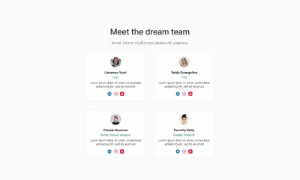
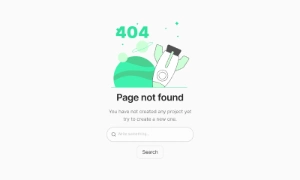
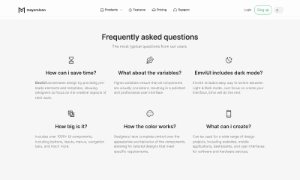
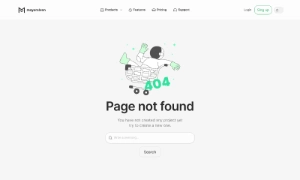
Screens combine interface elements into page layouts. Use the previews to study content order, actions and section structure, then adapt the editable Figma source to your own message and brand.
Explore a home page, a feature presentation and a pricing layout together so visitors can move from understanding the offer to comparing options.
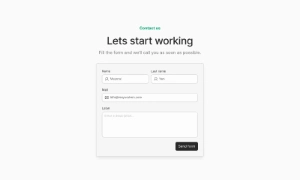
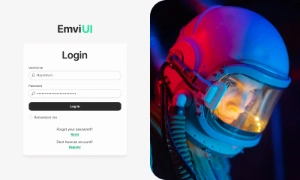
Inspect how sign-in, sign-up and contact screens organize fields, supporting text and the next action.
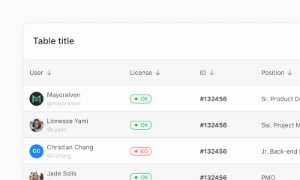
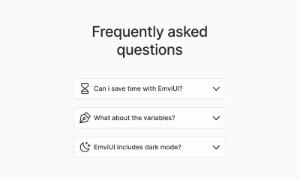
Compare dashboard and settings layouts with help content to plan a clear route through everyday product tasks.
For a closer look at the building blocks behind these pages, browse the component library. The free Figma file lets you test the editing workflow.