
 Free limited


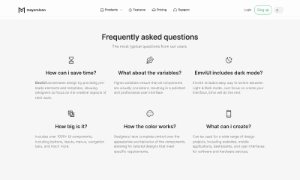


Can I customize FAQs section in Figma?
Yes. The EmviUI file is editable: adapt colors, typography, spacing, and variants to your product’s visual system.
Screens
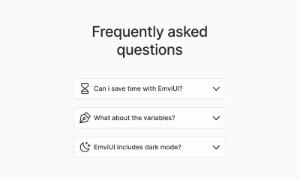
Use this editable Figma template for an FAQ section. Organize question labels, expandable answers and links to related details around a clear primary action and adapt the layout to your product.
 Not included in free version
 Premium
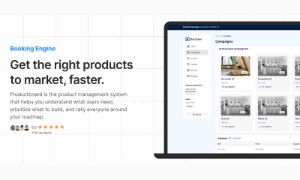
175 Variants
 Premium
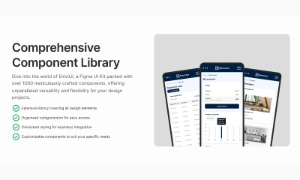
181 Variants
 Premium
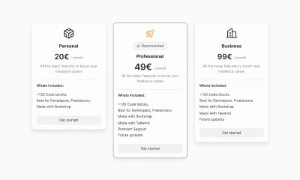
32 Variants
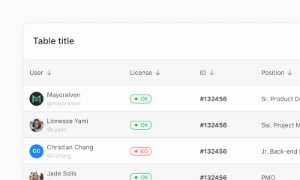 Free
Free
264 Variants
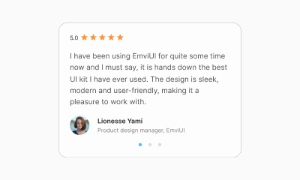 Free
Free
88 Variants
 Premium
176 Variants
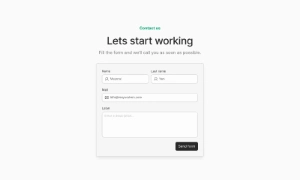 Free
Free
32 Variants
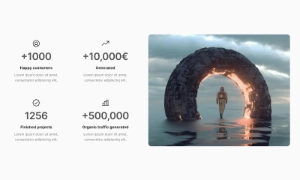 Premium
144 Variants
 Free
Free
12 Variants
 Premium
12 Variants
 Premium
8 Variants
 Premium
65 Variants
 Premium
86 Variants
 Premium
32 Variants
This faq section helps users get answers to common questions near a relevant product or offer. Order information around the user's next task, then make the primary action easy to find. Keep supporting details secondary so the screen remains easy to scan.
Use the screen to organize question labels, expandable answers and links to related details. Keep labels, status messages and actions next to the content they describe, and make key information easy to scan. On small screens, keep the primary action and essential details visible first.
By providing clear and comprehensive answers to common questions, the FAQ section helps reduce the volume of
support inquiries. Users can resolve their issues independently, freeing up support resources for more
complex or unique problems. This not only improves user satisfaction but also enhances the overall
efficiency of the support process.
Our UI kit includes customizable FAQ section components that can be easily integrated into any page,
ensuring a seamless and user-friendly way to present important information to your users.
Yes. The EmviUI file is editable: adapt colors, typography, spacing, and variants to your product’s visual system.
The collection brings together multiple FAQs section patterns that you can adapt to digital product flows. Open the Figma preview to explore the included designs.