






Can I customize Dashboard in Figma?
Yes. The EmviUI file is editable: adapt colors, typography, spacing, and variants to your product’s visual system.
Screens
Use this editable Figma template for a dashboard. Organize KPI cards, charts, data tables, filters and app navigation around a clear primary action and adapt the layout to your product.
 Included in free version but with limitations
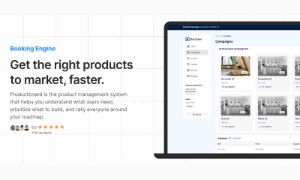
 Premium
175 Variants
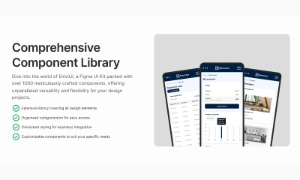 Premium
181 Variants
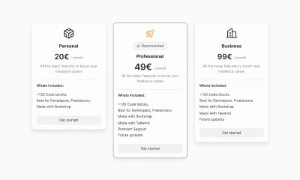 Premium
32 Variants
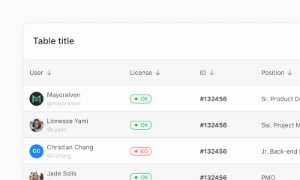 Free
Free
264 Variants
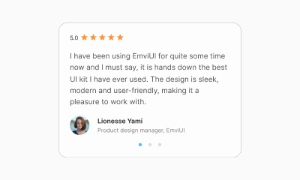 Free
Free
88 Variants
 Premium
176 Variants
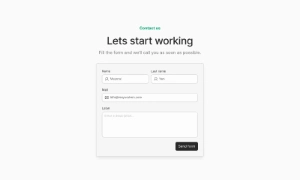 Free
Free
32 Variants
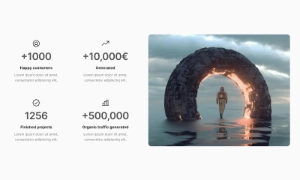 Premium
144 Variants
 Free
Free
12 Variants
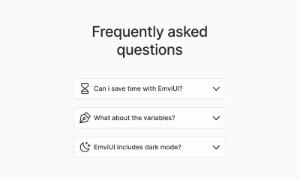 Premium
12 Variants
 Premium
8 Variants
 Premium
65 Variants
 Premium
86 Variants
 Premium
32 Variants
This dashboard helps users monitor key metrics and reach daily product workflows. Order information around the user's next task, then make the primary action easy to find. Keep supporting details secondary so the screen remains easy to scan.
Use the screen to organize KPI cards, charts, data tables, filters and app navigation. Keep labels, status messages and actions next to the content they describe, and make key information easy to scan. On small screens, keep the primary action and essential details visible first.
The ultimate goal of a dashboard is to empower users to achieve their goals quickly. By aggregating relevant
data into a single, easily accessible location, dashboards facilitate quick decision-making. Users can
analyze the data presented, identify patterns or issues, and take action without delay. This streamlined
approach enhances productivity and responsiveness, making dashboards an invaluable tool in various fields.
Our UI kit includes customizable dashboard components that help create visually appealing and highly
functional dashboards, ensuring that users can monitor and understand their data with ease.
Yes. The EmviUI file is editable: adapt colors, typography, spacing, and variants to your product’s visual system.
The collection brings together multiple Dashboard patterns that you can adapt to digital product flows. Open the Figma preview to explore the included designs.