

 Free limited




Can I customize Counter in Figma?
Yes. The EmviUI file is editable: adapt colors, typography, spacing, and variants to your product’s visual system.
Screens
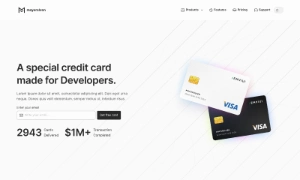
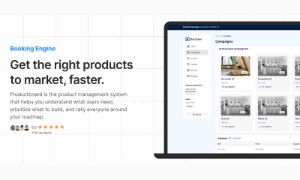
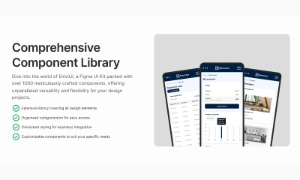
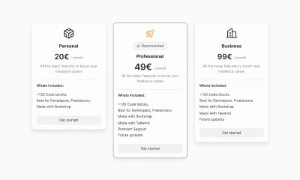
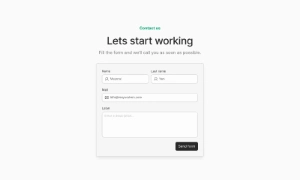
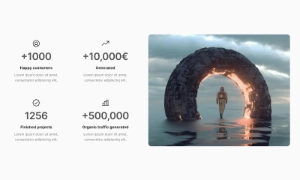
Use this editable Figma template for a metric counter section. Organize metric labels, values, units and the context behind each number around a clear primary action and adapt the layout to your product.
 Not included in free version
 Premium
175 Variants
 Premium
181 Variants
 Premium
32 Variants
 Free
Free
264 Variants
 Free
Free
88 Variants
 Premium
176 Variants
 Free
Free
32 Variants
 Premium
144 Variants
 Free
Free
12 Variants
 Premium
12 Variants
 Premium
8 Variants
 Premium
65 Variants
 Premium
86 Variants
 Premium
32 Variants
This metric counter section helps users highlight a small set of product or company metrics. Order information around the user's next task, then make the primary action easy to find. Keep supporting details secondary so the screen remains easy to scan.
Use the screen to organize metric labels, values, units and the context behind each number. Keep labels, status messages and actions next to the content they describe, and make key information easy to scan. On small screens, keep the primary action and essential details visible first.
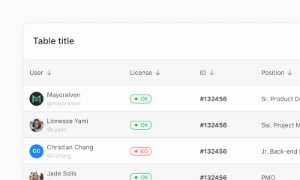
In counter web design, context matters as much as scale. Show a comparison period or source when it changes the meaning, format large numbers for the audience, and avoid unsupported claims. Adapt this counter app UI layout to the content and evidence available in your product. For denser data, compare it with a related table or chart component for Figma.
Yes. The EmviUI file is editable: adapt colors, typography, spacing, and variants to your product’s visual system.
The collection brings together multiple Counter patterns that you can adapt to digital product flows. Open the Figma preview to explore the included designs.