Difference Between Figma and Illustrator: Key Choices
Understand the technical boundaries between Figma's cloud interface platform and Adobe Illustrator's precision vector drafting workspace.
The difference between Figma and Illustrator lies in their design targets: Figma is built for digital product screens, reusable design systems, interactive prototypes, and developer handoff, while Adobe Illustrator is built for standalone vector artwork, complex Bézier curves, print production (CMYK/pantone), and detailed illustration. Modern teams frequently combine both by drawing custom brand assets in Illustrator and systemizing them inside Figma.
The difference between Figma and Illustrator is defined by the intended output: Figma is built for interactive digital interfaces and design systems, while Adobe Illustrator is built for standalone vector artwork and print graphics. Use Figma for web screens, app flows, design tokens, and developer handoff. Use Illustrator for detailed vector illustration, brand marks, and print materials requiring exact color separation. Review the official Figma product overview and the Adobe Illustrator workspace guide before structuring your team workflow.
Core distinction: interface systems versus standalone vector artwork
In digital product design, an interface is an interconnected system of responsive layouts, dynamic states, and shared design tokens rather than an isolated vector illustration. Figma organizes screens as reactive frames governed by Auto Layout, component variants, and variable collections. A single button designed in Figma communicates its hover state, active state, dark mode tokens, and padding rules. When requirements change, updating a master component propagates edits across hundreds of connected artboards instantly.
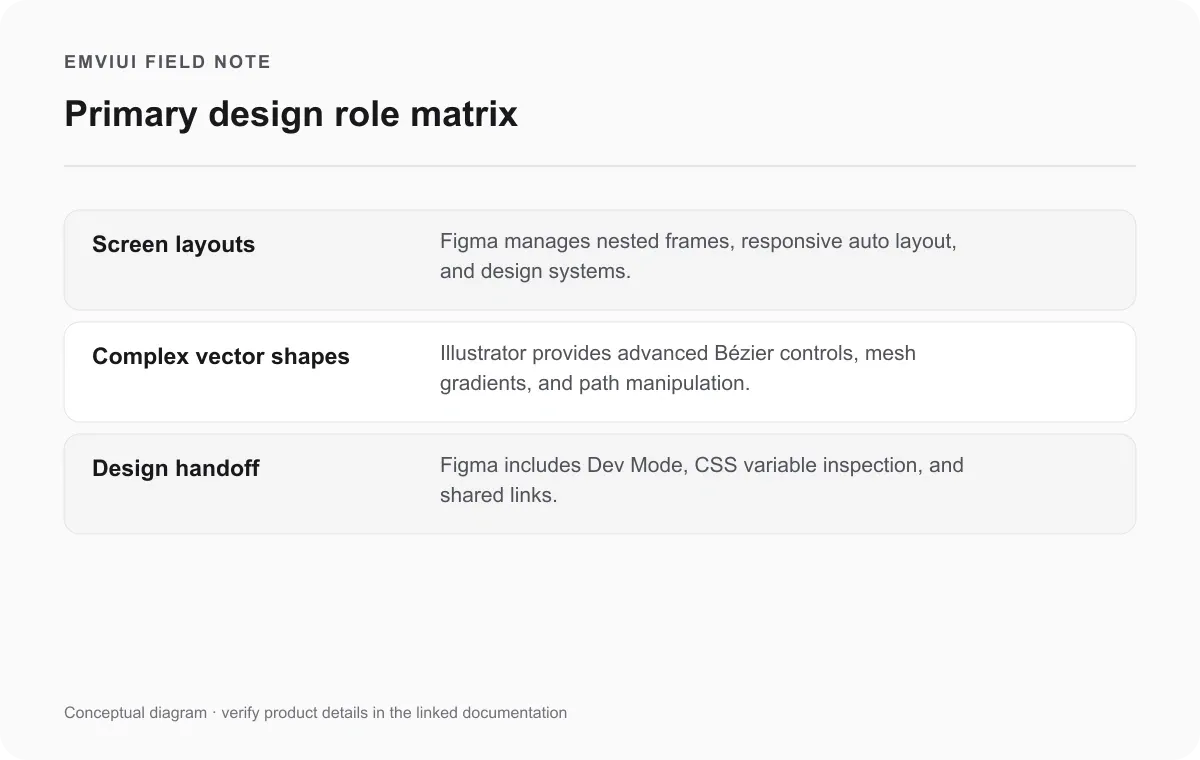
Adobe Illustrator organizes artwork around independent artboards and stacked vector layers without enforcing interface constraints. Illustrator gives artists total freedom over coordinate positioning, anchor points, and complex geometric transformations. When creating an intricate brand mascot, editorial illustration, or isometric scene, Illustrator's drawing engine is unmatched. However, forcing Illustrator to maintain responsive screen flows across mobile and desktop breakpoints leads to disconnected groups that require manual resizing whenever copy changes.
The operational takeaway is establishing clear asset ownership. For interface screens and interactive components, the Figma design file is the definitive single source of truth. For brand marks, bespoke vector artwork, and print collateral, the native Adobe Illustrator (.AI) file remains the editable master. As examined in our guide on the Figma and Photoshop workflow difference, recognizing the structural strengths of each tool prevents unnecessary rework and maintains clean production standards.
Vector networks versus traditional Bézier path structures
At the engine level, Figma and Adobe Illustrator handle vector geometry through fundamentally different mathematical models. Adobe Illustrator uses the classic PostScript path model: a path is a continuous sequence of anchor points connected by straight segments or curved Bézier lines, each controlled by directional handles. Each anchor point in Illustrator connects at most two line segments—an incoming segment and an outgoing segment, as documented in Adobe's Illustrator drawing basics guide.
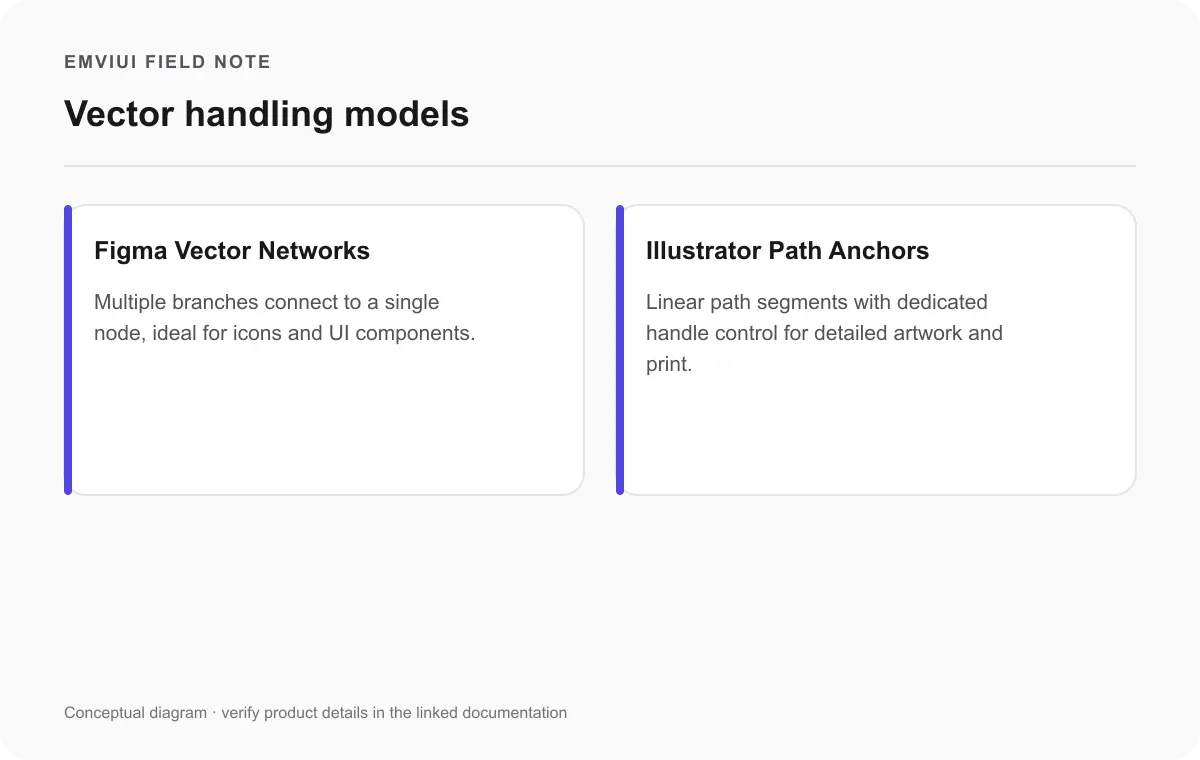
Figma abandons the traditional path constraint by implementing vector networks. As documented in Figma's official guide to vector networks in Figma, a vector network allows multiple path segments to branch out from a single point or node. Instead of forcing designers to split shapes or duplicate anchor points, Figma treats vector nodes as vertices in a web or graph. An icon designer can create a complex geometric icon where multiple edges share identical vertices without breaking fill or stroke logic, making icon creation significantly faster.
However, Illustrator's traditional path structure is backed by specialized vector transformation tools that Figma does not replicate. Illustrator includes mesh gradients that map color blends across arbitrary vector meshes, envelope distortion tools for bending vector groups along perspective grids, variable width stroke profiles, and dedicated offset path calculations. While Figma's vector networks excel at clean, lightweight geometry for interface icons, Illustrator provides the surgical precision required for complex visual arts and print-grade vector work.
Feature comparison table: collaboration, typography, and export formats
Choosing between Figma and Adobe Illustrator requires evaluating how each tool integrates into your broader design and delivery infrastructure. Figma operates natively within modern web browsers and desktop wrappers, synchronizing changes in real time through cloud-based multi-tenant document stores. Stakeholders, copywriters, and developers can inspect the canvas simultaneously without installing local font libraries or transferring bulky archive packages. By contrast, Illustrator is primarily a local workstation application that leverages Adobe Creative Cloud for cloud file syncing and desktop asset libraries.
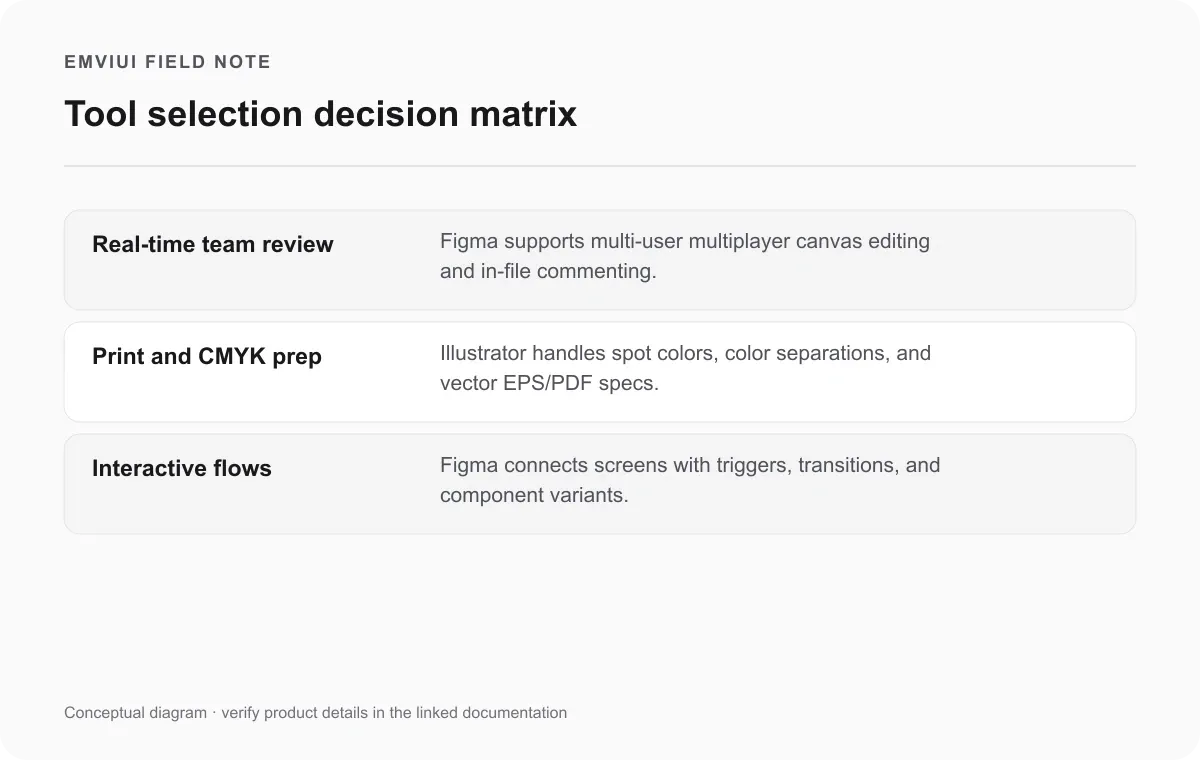
Typography and color management represent another critical architectural divide. Figma simplifies color and type around digital screen standards: the sRGB and Display P3 color spaces, standard web fonts, variable fonts, and CSS-compatible typographic values like pixel line heights and letter spacing. Illustrator offers comprehensive prepress controls, including native CMYK document color modes, Pantone spot color libraries, color separation previews, bleed settings, and advanced OpenType glyph substitutions. Attempting to prepare commercial print packaging in Figma risks uncalibrated color shifts, whereas designing responsive design systems in Illustrator leaves developers without direct CSS property extraction.
| Capability | Figma Design | Adobe Illustrator |
|---|---|---|
| Core Primary Role | Digital UI/UX, responsive web design, component systems | Vector illustration, brand identity, print preparation |
| Vector Mathematics | Vector networks (multi-branch nodes from single vertices) | Traditional Bézier paths (anchor points with dual handles) |
| Collaboration Model | Native cloud multiplayer, live cursor presence, inline comments | Local-first files, Adobe Creative Cloud libraries and sync |
| Developer Handoff | Built-in Dev Mode, CSS/Swift/Kotlin code, variable tokens | Manual asset export or external handoff plugin integrations |
| Prototyping & Flows | Interactive frame connections, smart animations, triggers | Static artboards; requires exporting frames to separate tools |
| Color & Print Support | RGB, Display P3, digital hex codes; no native CMYK | Full CMYK, spot colors, Pantone palettes, print bleed setup |
| Export Formats | SVG, PNG, JPG, PDF (standard digital screen rendering) | AI, EPS, SVG, PDF (print-ready/vector), DXF, DWG, TIFF |
Teams working on modern product identity frequently cross these boundaries. For example, our tutorial on how to use Figma to design a logo illustrates how vector networks can build clean geometric marks for web apps. Similarly, if your goal is constructing scalable layouts for multi-device environments, our guide to Figma for responsive web design shows how frame constraints outperform static artboard drafting. When asset production requires delivery across digital codebases and physical packaging, both tools find their rightful place in the pipeline.
Step-by-step collaborative workflow from vector creation to UI implementation
Rather than treating Figma and Adobe Illustrator as conflicting alternatives, high-velocity design organizations integrate them into a seamless two-stage pipeline. The vector drafting precision of Illustrator feeds directly into the component and handoff ecosystem of Figma. When executing this combined workflow, teams should adhere to a structured protocol to prevent file bloat, preserve vector fidelity, and maintain clear asset ownership across disciplines.
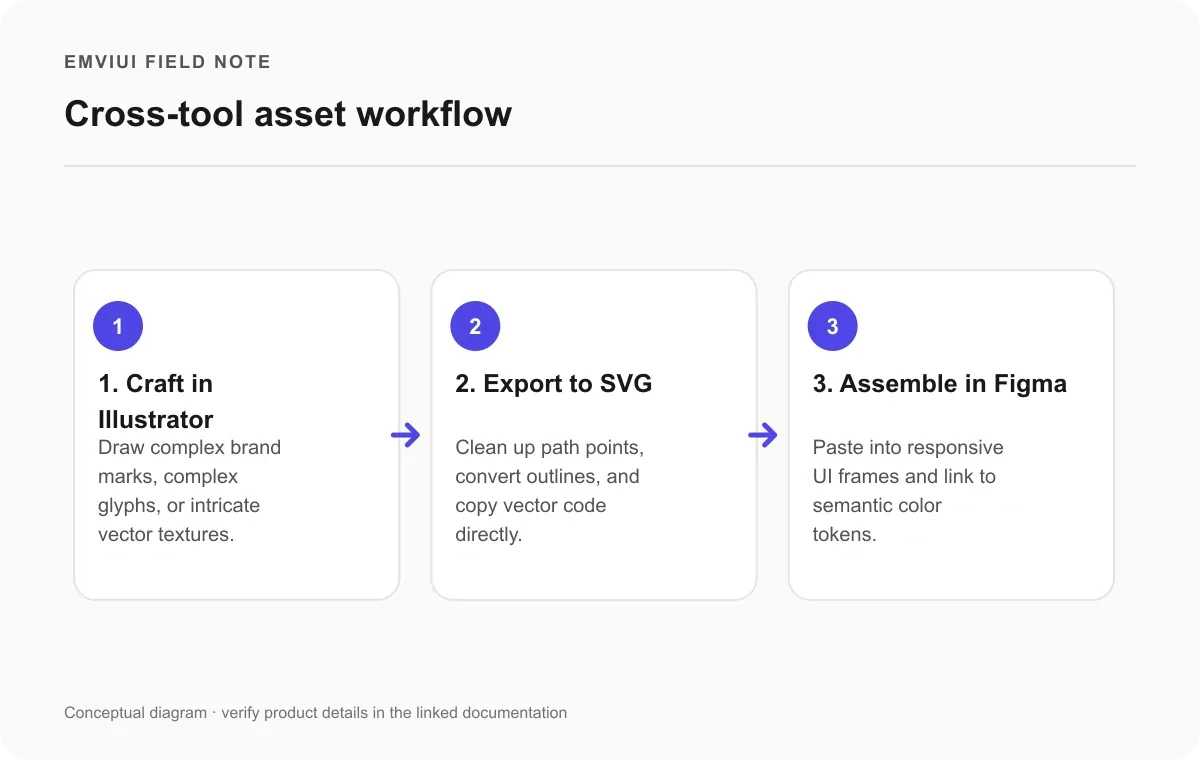
- Draft and refine master vector geometry in Illustrator. Construct intricate brand marks, custom typography, or complex vector characters in Adobe Illustrator using precision pen tools and shape builder operations.
- Clean up paths and outline strokes prior to export. Convert live strokes into filled compound shapes where appropriate, remove redundant anchor points, and consult Adobe's exporting artwork documentation.
- Transfer vector data into Figma via SVG or copy-paste. Copy the cleaned vector shape directly into Figma, verifying that Figma interprets the shape as a clean vector network rather than an embedded raster image.
- Organize, tokenize, and componentize in Figma. Place the vector shape inside a standardized component frame, apply semantic color variables to fill and stroke properties, and publish it to your team design system library.
- Validate interactive behavior and hand off to engineering. Test state transitions and click responses with an interactive Figma prototype guide, enabling engineers to inspect tokens and export SVGs via Figma's static asset export guide.
When to use Figma, when to choose Illustrator, and how to combine both
The decision to deploy Figma or Adobe Illustrator hinges on your delivery format, team structure, and revision cycle. If the deliverable is a responsive web application, dashboard, or digital user flow, starting in Figma is mandatory because its Auto Layout, reusable styles, and interactive states keep design specifications aligned with production code.
Conversely, if your project demands high-resolution marketing illustrations, custom vector typography, or physical print collateral, Adobe Illustrator remains the industry standard. Its dedicated toolsets for path smoothing, variable strokes, and print color separation ensure flawless reproduction across physical mediums.
Leading teams combine both: Illustrator crafts raw vector artwork, while Figma organizes, tests, and ships digital product systems. Preserving master editable files in their native environments builds a sustainable design workflow that scales seamlessly.

Pablo Mayoral
Senior UX/UI & Web Designer with 10+ years of experience. Creator of EmviUI (10k+ components Figma design system), UImand, and Vitamin Bootstrap. Currently designing digital products at CQMRewards.